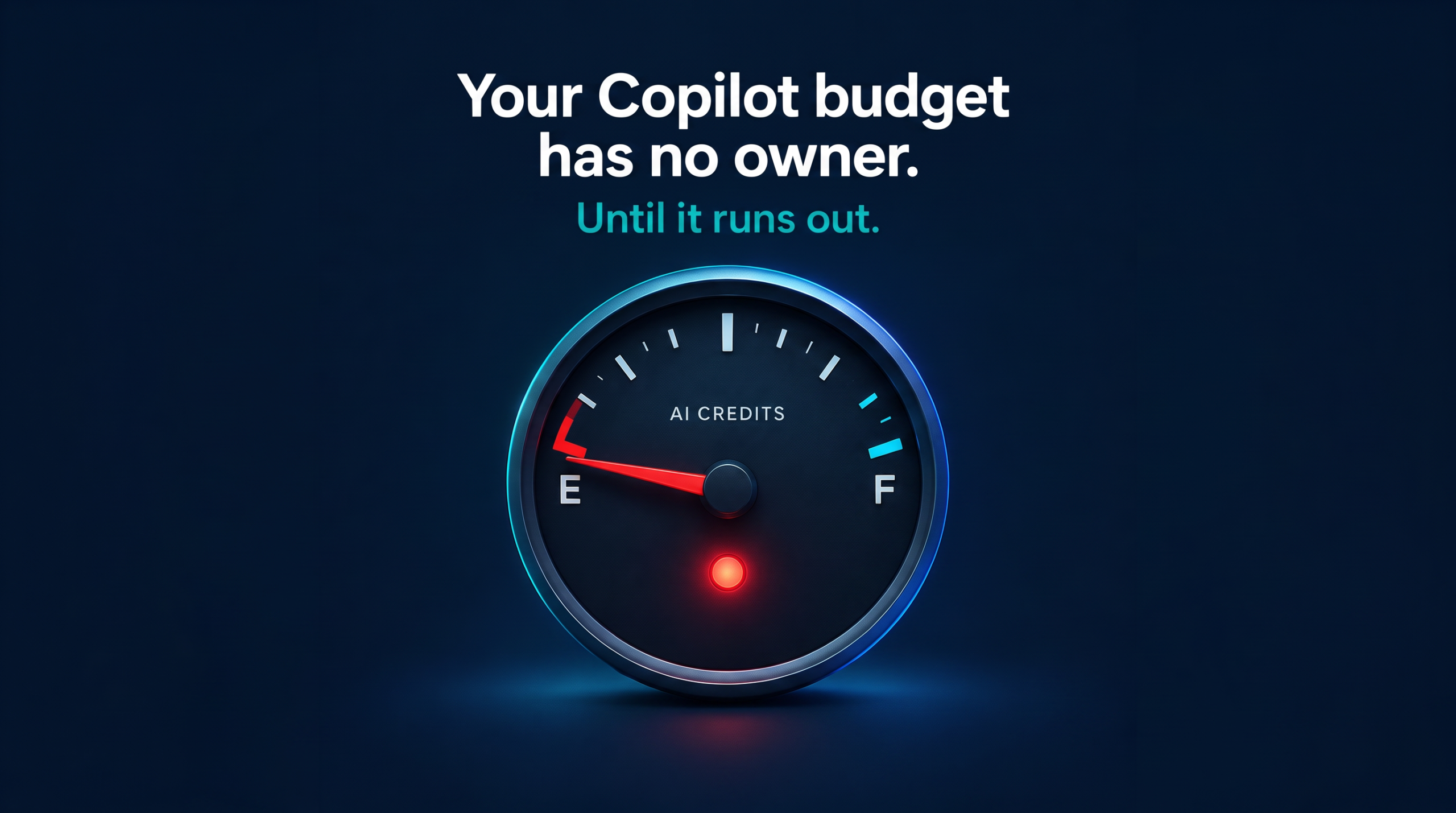
Your Copilot budget has no owner. Until it runs out.
Last week Microsoft released something small. Most admins will miss it.
It’s a new API: the Microsoft 365 Copilot Cost Management API. It lives in Microsoft Graph, under /beta.
Sounds boring. It’s not.
For the first time, you can control Copilot Credits with code. Not only with clicks in an admin portal.
Let me explain it simply. Credits are fuel. Every AI action burns some. Your tenant has a tank. Until now, you could barely see who burns how much.
Here’s what changes:
1. You can see the tank.
Admins can pull the credit balance of the whole tenant. Separate numbers for each billing method. One call. No guessing.
2. You can write the rules.
Spending policies: create, read, update, delete. A policy can apply to all users or to chosen Entra groups. Example: your AI pilot group gets a monthly limit. Everyone else gets a different one.
3. You can govern each AI service.
Every policy has per-service settings. You decide which service is governed and which is excluded. One catch: you can’t delete a service setting. You set it to “disabled”.
4. You can set alerts. But read this twice.
Alerts work in percentages, like 80%. You choose who gets the message. But alerts only notify. They don’t stop anything. An alert is a smoke detector, not a sprinkler.
5. You can debug one user.
“Why can’t Anna use this AI service?” Support can now pull her overall and per-service balance. No more ticket ping-pong.
6. You get daily detail.
A new report, getMicrosoft365CopilotUsageUserDetailByDate, shows user-level usage for one chosen date.
What it does not do
No prices. No currencies. No invoices. No forecasts. Only credits. If your CFO asks “What does this cost in euros?”, this API won’t answer.
The fine print for your admins
- Permissions start with CopilotCostManagement-*. Separate ones exist for policies, assignments, user diagnostics, and tenant balance.
- Most calls work only with work or school accounts (delegated). Only the tenant balance also supports app permissions.
- Roles still count. To create a policy, you need Billing Administrator or Global Administrator at runtime.
- Updates need an If-Match header with the policy’s ETag. That stops two admins from overwriting each other.
- It’s beta. It can change. Don’t use it in production.
My take
I’ve seen governance projects fail before Copilot existed. SharePoint. Search. Intranets. Same pattern every time. The tool was fine. Nobody owned the rules.
Copilot Credits are the next chapter of that story. A budget without an owner is a budget without a brake.
What I would do this month
- Name one owner for Copilot Credits.
- Define one pilot group with a clear limit.
- Test the API in a dev tenant. Build a small dashboard.
- Set the 80% alert. Then decide who acts when it fires.
So, who owns your Copilot credits today? IT? Finance? Nobody?
Your next step
Assign yourself the SAM Administrator role this week and click “Start assessment”. Then list every site that still relies on Restricted SharePoint Search, so you have a migration plan well before January 31, 2027.
PS: Ready to implement proper AI agent governance? Contact me, Ragnar Heil, for a consultation on Agent 365, SharePoint Advanced Management, Microsoft Purview (Information Protection, Data Loss Prevention Policies, DSPM for AI), EasyLife365 Collaboration, Solutions2Share, Rencore Governance, ShareGate Protect, Data&More or Agent 365 deployment strategies tailored to your organization’s needs. Find my calendar here at our HanseVision Governance Landing Page. Pssst… I am also offering an exquisite M365 Copilot & Agents MasterClass. Find out more here.