Copilot Value Realization: Beyond Adoption Metrics
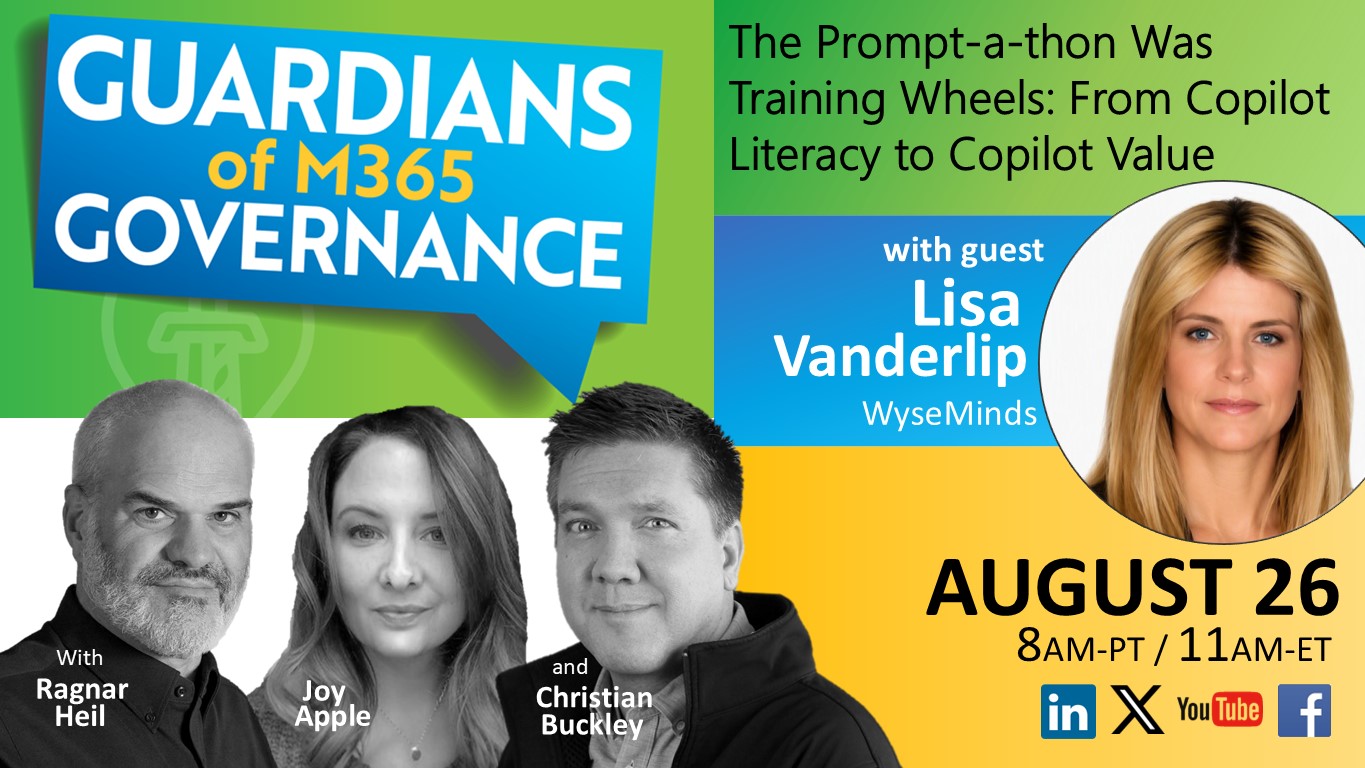
Counting logins and prompts tells you nothing about whether Microsoft 365 Copilot is actually creating business value. That was the central message from Lisa Vanderlip, Managing Principal at WyseMinds, in Episode 31 of Guardians of M365 Governance, hosted by Joy Apple, Ragnar Heil, and Christian Buckley.
The Trap of Usage Metrics
Most organizations still measure Copilot success by license counts, login frequency, or number of prompts. Vanderlip, a former 12-year Microsoft veteran, calls this a “lagging indicator” that hides the real question: what did the user, the department, or the organization actually gain?
Usage dashboards look impressive but rarely answer whether time saved translated into something measurable. If an employee saves two hours a week but has nothing meaningful to redirect that time toward, the organization hasn’t captured any value—it has just automated a task.
From Productivity Theater to Real Outcomes
Vanderlip pushed back hard on “productivity” as a catch-all success metric. Instead, she recommends defining value at three levels:
- Individual: Does this genuinely make someone’s job easier or better?
- Department: Does saved time get redirected to work that moves a business KPI?
- Organization: Can leadership tie the tool back to a total cost of ownership calculation?
That last point matters more than ever. With Copilot Studio’s consumption-based pricing—where every agent prompt now carries a direct cost—governance teams can no longer just push adoption. They must also decide which use cases justify Copilot Chat versus a more expensive Copilot Studio agent running on premium models. Cost has become part of the governance conversation, not an afterthought.
Turning Enthusiasts into True Champions
A recurring theme was moving beyond “promptathons” and generic training toward what Vanderlip calls scenario-based enablement. Rather than teaching “Copilot for Excel 101” to everyone, she recommends:
- Identify a specific business unit’s real pain points through surveys or interviews
- Build AI literacy first—people can’t design use cases for tools they don’t understand
- Evolve champions into a lightweight “forward-deployed” model, pairing a technical owner with a business owner accountable for a KPI
- Reward outcome-driven behavior, not just activity
Organizations that let teams “earn” tool access—by first proving a business case—saw significantly faster Copilot deployment than those who rolled it out top-down.
The Question Nobody Asks
Vanderlip noted that in years of AI tool pitches, she was rarely asked: “What are you actually measured on at the end of the year?” That single question, she argued, is the difference between a demo that impresses and a deployment that delivers. Governance frameworks need to build that question into intake processes, license reviews, and Copilot Studio agent approvals from day one.
Key Takeaway
Copilot governance is entering a new phase. It’s no longer just about managing data, permissions, and compliance—it’s about proving value against cost, tying tool usage to measurable business outcomes, and holding both champions and leadership accountable for outcomes rather than activity.
Watch the full episode of Guardians of M365 Governance for the complete conversation on value realization and evolving AI governance.
Watch the full video episode here:
You can also listen to this episode in your favorite Podcast Player like Spotify
PS: Ready to implement proper AI agent governance? Contact me, Ragnar Heil, for a consultation on Agent 365, SharePoint Advanced Management, Microsoft Purview (Information Protection, Data Loss Prevention Policies, DSPM for AI), Rencore Governance, EasyLife365 Collaboration, ShareGate Protect, Data&More or Agent 365 deployment strategies tailored to your organization’s needs. Find my calendar here at our HanseVision Governance Landing Page.