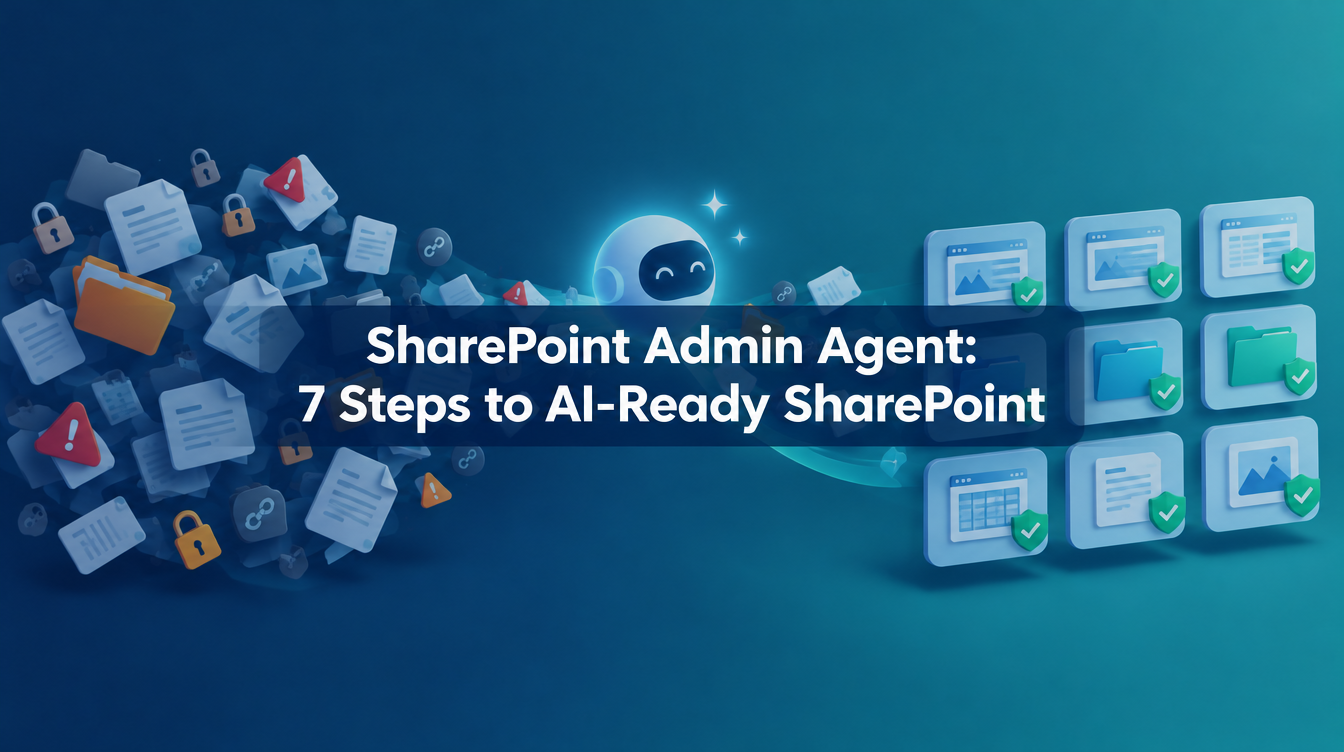
SharePoint Admin Agent: 7 Steps to AI-Ready SharePoint
Deadline: Restricted SharePoint Search retires on January 31, 2027. Its settings are not migrated automatically to Restricted Content Discovery (RCD), so content you restricted today may become discoverable again. Check your tenant now (MC1395311).
Copilot didn’t create your SharePoint chaos. It just finds it faster. An HR spreadsheet shared with “Everyone except external users” in 2019, sites without owners, sensitivity labels that exist only in a slide deck: all of it surfaces once Copilot starts answering questions.
The SharePoint Admin Agent turns that chaos into a prioritised to-do list.
What is the SharePoint Admin Agent?
The SharePoint Admin Agent is an AI-powered governance experience that helps admins assess and fix content risks across SharePoint and OneDrive. You ask questions in plain language, and it reasons over SharePoint Advanced Management (SAM) data. You can open it in the Microsoft Copilot app, the SharePoint admin center and Teams.
You need two things:
- SAM in your tenant. It is included once at least one Microsoft 365 Copilot license is assigned, or through the SAM Plan 1 add-on or Microsoft 365 E7. E5 alone gives you data access governance reporting only.
- The SharePoint Advanced Management Administrator role in Entra ID. Even Global Admins don’t hold it by default.
7 steps to AI-ready SharePoint
- Unlock and assign. Confirm how your tenant gets SAM, then assign yourself the SAM Administrator role.
- Run the Content Management Assessment. Go to SharePoint admin center > Advanced Management > Start assessment. It flags inactive sites (180 days), sites without owners, broken inheritance, “Everyone except external users” sharing and overly permissive links. Reports take 2 to 72 hours. Rerun it every 30 days.
- Give your tenant structure. Group sites by department or region with catalog management. Fix missing department attributes in Entra ID first, or sites pile up in “Other”.
- Ask the agent. Use the prompts below instead of hunting for the right report.
- Protect sensitive sites. Apply RCD to HR, Finance, Legal and executive sites. Where only a defined group should get in, add Restricted Access Control.
- Fix access at the source. Launch Site Access Reviews so owners remove broad sharing, and apply sensitivity labels.
- Automate lifecycle, then roll out. Run inactive-site and ownership policies in simulation mode first. Archive stale content with Microsoft 365 Archive. Then enable Copilot one department at a time.
Prompts to try
- “Which sites are overshared and what are the risk levels for these sites?”
- “Identify sites with low activity by department.”
- “Which sites are shared with Everyone except external users?”
Tips from the community
- Run the reports first. Copilot at Work calls the agent mostly a smart interface on top of existing reporting. No reports, no insights.
- Protect the executives. Vlad Catrinescu recommends an exclusion list for executive sites before you switch on lifecycle policies.
- Treat RCD as temporary. Arif Mughal advises logging every restricted site with a removal date. RCD hides content but doesn’t fix permissions.
Common pitfalls
- RCD is not a permission fix. Users with access can still open the files, and RCD doesn’t cover OneDrive.
- There is no delete button. The agent refuses destructive actions by design. Archiving is the supported route.
- File-level reporting is not there yet. Microsoft still labels file-level “Everyone except external users” reporting as private preview.
- Don’t mix up products. The SharePoint Admin Agent, the Microsoft 365 Admin agent and Microsoft Agent 365 are three different things.
FAQ
Do I need a Copilot license? SAM can come from a Copilot license, the SAM Plan 1 add-on or Microsoft 365 E7. In every case the admin also needs the SAM Administrator role.
What replaces Restricted SharePoint Search? Restricted Content Discovery, plus Restricted Access Control where you need to limit who can open a site.
Your next step
Assign yourself the SAM Administrator role this week and click “Start assessment”. Then list every site that still relies on Restricted SharePoint Search, so you have a migration plan well before January 31, 2027.
PS: Ready to implement proper AI agent governance? Contact me, Ragnar Heil, for a consultation on Agent 365, SharePoint Advanced Management, Microsoft Purview (Information Protection, Data Loss Prevention Policies, DSPM for AI), EasyLife365 Collaboration, Solutions2Share, Rencore Governance, ShareGate Protect, Data&More or Agent 365 deployment strategies tailored to your organization’s needs. Find my calendar here at our HanseVision Governance Landing Page. Pssst… I am also offering an exquisite M365 Copilot & Agents MasterClass. Find out more here.