Agent Governance Is a Team Sport: Who Owns Copilot Studio Agents?
Copilot Studio agents are no longer just chat interfaces. Supported agents can have their own Microsoft 365 account, a directory profile, an org-chart relationship, and scoped access in Teams and Outlook. Makers see a digital teammate. Admins see a new actor whose access, data use, cost, and behavior have to be governed.
That is the starting point of a LinkedIn post by Bence Orban from 13 November 2026 (Europe/Berlin). The post is a compact version of Microsoft’s Copilot Studio article from 11 November, “Where do I govern my Copilot Studio agents?”, listed under Jocelyn Panchal and updated on 12 November. The useful part is a clear split of ownership.
[placeholder: your observation from customer or workshop work about who currently “owns” agents]
One team cannot own this end to end
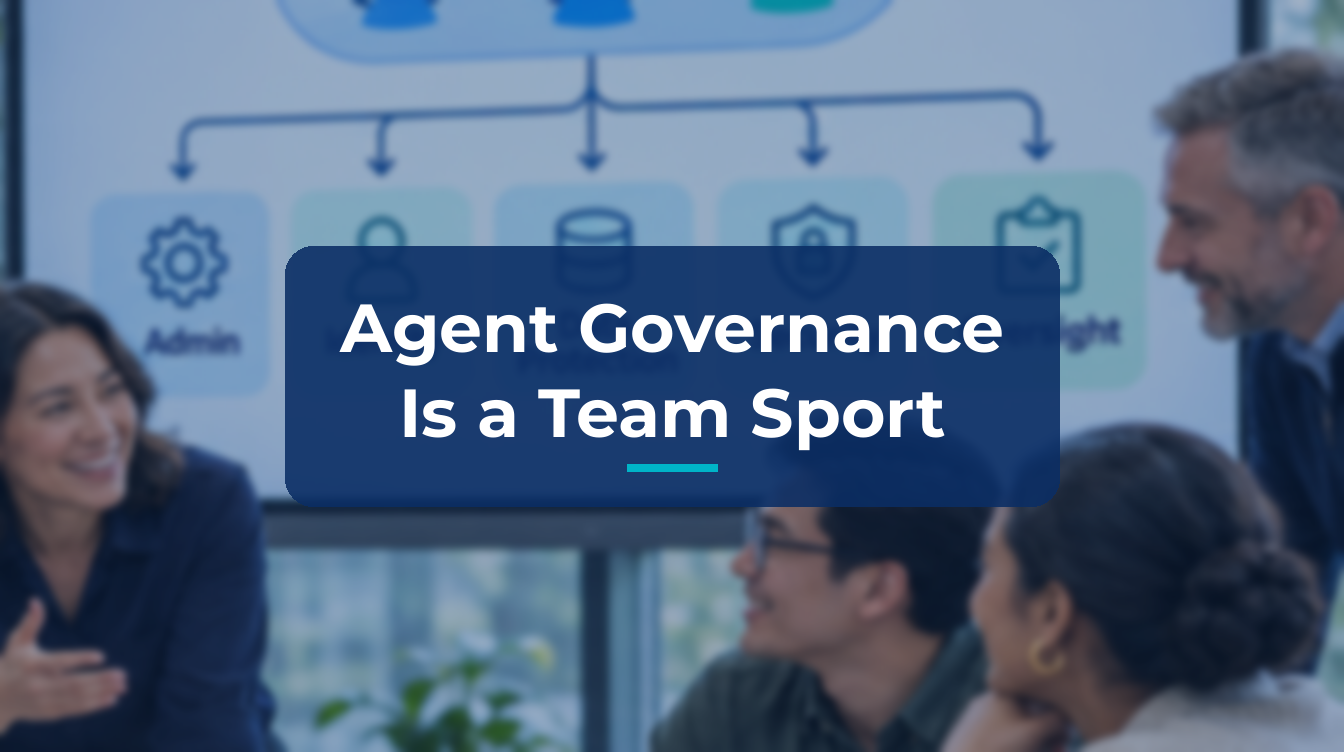
Orban’s point is direct: agent governance is not a job for the Digital Workplace team alone. It cuts across five outcomes. Each one has a lead, and none of them stops where the next begins.
Five jobs, five owners
1. Enable makers safely and at scale. The Power Platform admin leads the environment strategy: a controlled place to build, with a path from personal development into team or production use. In the Power Platform admin center, that means environment routing so makers get personal developer environments instead of the shared default, environment groups and rules, advanced connector policies that allow only approved connectors and actions, and sharing controls. A least-privilege allowlist still limits an agent’s reach, even if its permissions later expand.
2. Configure agent identity and resource access. The identity and access admin leads this in Microsoft Entra. IT needs to know which identity is in use and what it can access. Microsoft Entra Agent ID treats agents as a distinct identity type, with owners, sponsors, and Conditional Access. An agent identity, an agent acting on behalf of a user, and an agent user account are not governed in identical ways.
3. Protect the information agents use and produce. The compliance admin and data security team lead this in Microsoft Purview. An agent may have legitimate access to information without every use or disclosure being appropriate. For Agent 365, Purview documents support for Data Security Posture Management, audit, classification, sensitivity labels, DLP, and several other compliance controls. Encryption without sensitivity labels is not listed as supported. Coverage differs by agent and interaction type, so you should check which controls actually apply. Copilot Studio data policies remain a complementary platform control. They do not replace information protection.
4. Maintain estate-wide observability and prove business value. The AI admin coordinates this view in Microsoft Agent 365. Copilot Studio agents appear in the agent registry in the Microsoft 365 admin center, with usage insights on by default. The agent map shows how an agent connects to users and tools. From an agent’s details page, findings can be routed to Entra, Purview, or Defender, where each admin acts with their existing permissions. Tool governance and cost management, including Copilot Credit spending policies, sit here too. Agent 365 complements, rather than replaces, the other admin centers. Available information and actions vary by agent, publishing state, and tool type.
5. Detect and respond to threats. Preventive guardrails will not catch everything. Once agents are running, they face jailbreaks, prompt injection hidden in an email, document or web page, misuse of an overly broad tool, and unusual activity spikes. The security admin and SOC analysts lead investigation and response, but they cannot do it alone. SOC sees the alert; IT knows the agent. Microsoft Defender provides agent security posture, threat investigation, and real-time protection for supported and configured scenarios. After Agent 365 onboarding, this includes data collection, the Microsoft 365 connector, and a Power Platform admin for Copilot Studio real-time protection. If that connector is not connected, alerts for Copilot Studio agents may not appear in the Defender portal.
What this means for IT decision-makers
Microsoft’s layered, zoned model splits agent creation into three zones: personal and team productivity with safe defaults, IT-approved makers building for other teams, and professional development for mission-critical agents, including Microsoft Foundry Agent Service. The practical message is organizational, not technical. Assign a lead for each of the five outcomes. Agree the handoffs, for example when an agent moves into production, gains a new connection, or reaches a wider audience. Start from the outcome you need, not from the admin center you happen to open first.
Working across several admin surfaces is intentional. Microsoft’s own advice is to begin with two anchors: the Power Platform admin center for environment routing, groups, and connector policies, and Agent 365 for estate-wide visibility and ownership.
Which of the five jobs already has a named owner in your organization, and which one still does not?
PS: Ready to implement proper AI agent governance? Contact me, Ragnar Heil, for a consultation on Agent 365, SharePoint Advanced Management, Microsoft Purview (Information Protection, Data Loss Prevention Policies, DSPM for AI), EasyLife365 Collaboration, Solutions2Share, Rencore Governance, ShareGate Protect, CoreView, Data&More or Agent 365 deployment strategies tailored to your organization’s needs. Find my calendar here at our HanseVision Governance Landing Page. Pssst… I am also offering an exquisite M365 Copilot & Agents MasterClass. Find out more here.
Sources
- Bence Orban, LinkedIn post, 13 November 2026
- Jocelyn Panchal, “Where do I govern my Copilot Studio agents?”, Microsoft Copilot Studio Blog, 11 November 2026 (updated 12 November)
- Overview of the Power Platform admin center
- Manage agent identities in your organization (Microsoft Entra Agent ID)
- Use Microsoft Purview to manage data security and compliance for Microsoft Agent 365
- Get started with Microsoft Agent 365
- Enable security for AI agents using Microsoft Defender
- Implement a zoned governance strategy