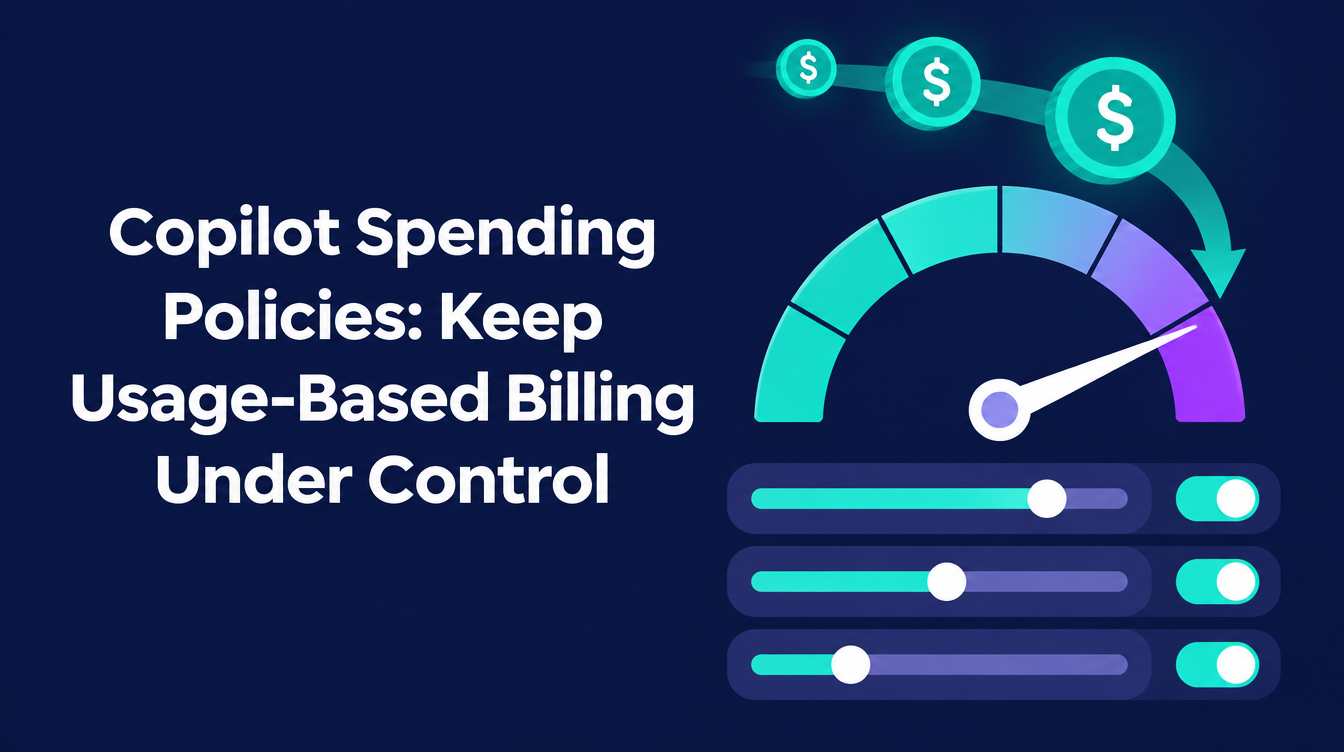
Copilot Spending Policies: Keep Usage-Based Billing Under Control
Microsoft 365 Copilot Business used to be a flat price per user. New purchases now come with usage-based billing switched on, so a variable cost sits next to the license fee, and your Copilot spending policy decides how high it can go.
With 100 users and the default of 4,000 credits each (about $40), the ceiling is $4,000 a month that nobody explicitly approved. Keeping Copilot credits costs predictable takes five steps.
What changed with Copilot usage-based billing
According to Microsoft, usage-based billing is enabled on the tenant when you buy Copilot Business licenses from December 1, 2026. That includes new subscriptions, extra seats and upgrades. On purchase, Microsoft automatically sets up an Azure subscription and a spending policy, and billing is pay-as-you-go.
The default limit is 4,000 Copilot Credits per user per month, roughly $40. Some early partner briefings mentioned $10 instead, so budgets built on that number need a second look.
- The policy applies to the whole tenant, so a purchase after December 1 covers your existing Copilot Business licenses too. Tenants that already hold Microsoft 365 Copilot or ME7 licenses are excluded.
- An existing spending policy stays in place, and a purchase then only adds the licenses.
- Germany, France, Italy, Spain, the Netherlands and several other markets are excluded at launch. Austria and Switzerland are not on that list, so check your market.
If you buy through a Cloud Solution Provider, usage charges arrive on the partner’s invoice, and the partner carries the financial responsibility. By default, your admins cannot switch usage-based billing on without the partner’s permission, so agree early who sets the limits.
The 5-step checklist
1. Check the policy before a purchase creates it
Open the Microsoft 365 admin center and review Copilot > Cost Management. If you plan to buy Copilot Business licenses, create your own policy first. Decide on the Azure subscription that pays for usage, the monthly limit and whether a per-user cap applies. If you only want the features of the seat license, skip the policies for Cowork and Work IQ API, or set the limit to zero, which switches usage-based billing off.
2. Scope the policy with security groups
Create security groups, for example a Cowork pilot group, and give each its own policy so you control who can consume credits. Admins can also switch off single experiences such as Cowork. If a user falls under several policies, the highest per-user limit reportedly wins, so test the precedence in your tenant.
3. Set budgets and alerts
Set monthly limits that match real use cases instead of keeping the default, and add alert thresholds, for example at 80 percent. Users on dedicated capacity who reach their limit can request more from the interface, and an admin approves or declines, so decide who handles those requests. If you use prepaid capacity, going far over it (reportedly 125 percent) can disable custom agents.
4. Monitor usage weekly
Review credit consumption per service, group and agent every week during the first months, and compare it with the number of active users. The Overview tab in Cost Management refreshes every four hours, so a weekly review is realistic. Reportedly, Microsoft did not disclose a paid seat number this quarter, so your own tenant data is the figure to rely on.
5. Control approvals for apps and agents
Microsoft lists Copilot Cowork, Work IQ APIs, GitHub Copilot Harness and long-running agentic features such as Copilot in SharePoint as usage-billed, plus Code and Autopilot in the Frontier early access program. One Reddit user also reported that apps shared from Copilot Code consume credits on a managed runtime even when no AI runs, which is a user report to verify. Decide who may publish and share apps and agents, and who owns their cost.
A practical example: the Copilot Credit cost advisor
For the weekly review in step 4, I am building custom Copilot Studio Agent for my customers to ask questions about Copilot Credits. It supports Copilot cost control and is based on the Microsoft 365 Copilot Cost Management API in Microsoft Graph.
Details and dates change quickly, so verify them in Microsoft’s usage-based billing overview before you decide.
PS: Ready to implement proper AI agent governance? Contact me, Ragnar Heil, for a consultation on Agent 365, SharePoint Advanced Management, Microsoft Purview (Information Protection, Data Loss Prevention Policies, DSPM for AI), EasyLife365 Collaboration, Solutions2Share, Rencore Governance, ShareGate Protect, Data&More or Agent 365 deployment strategies tailored to your organization’s needs. Find my calendar here at our HanseVision Governance Landing Page. Pssst… I am also offering an exquisite M365 Copilot & Agents MasterClass. Find out more here.