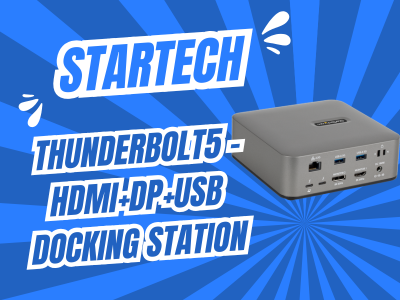
Thunderbolt 5 Docking Station: StarTech Real-World Test
I know this problem too well. Mid-Microsoft Teams call, the webcam starts glitching. Colorful streaks, a brief freeze, sometimes the device just shuts off. Embarrassing when a client is watching.
When Your Dock Changes Color Mid-Meeting
I’ve tested two other docking stations that I genuinely liked — especially the one from Articona. Solid build quality, good value for money. But the same pattern kept showing up: as soon as several peripherals were running at once, bandwidth got tight. Webcams flickered, sometimes went into sleep mode. I tried 3 different Microsoft Teams certified Webcams.
The reason lies in the technology. USB4 and Thunderbolt 4 docks split their bandwidth more tightly across multiple devices. Thunderbolt 5 brings significantly more headroom with its 120Gbps Bandwidth Boost. The result: no more flickering, no dropouts, even when monitor, webcam, microphone, and card reader are all active simultaneously.
Two Desks, One Dock
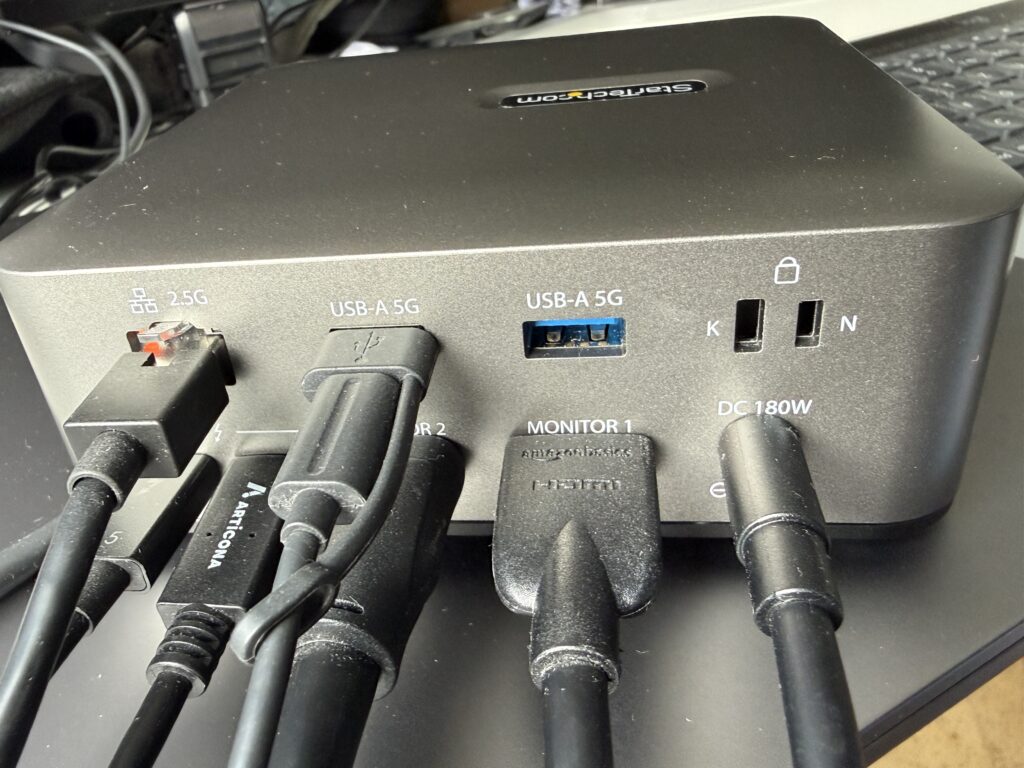
At Desk 1 runs my Windows 11 Copilot+ PC. Two monitors, an Ethernet cable, a speakerphone, wireless mouse and keyboard — all routed through the StarTech docking station. The 2.5 Gigabit Ethernet port keeps the connection stable, independent of office Wi-Fi.
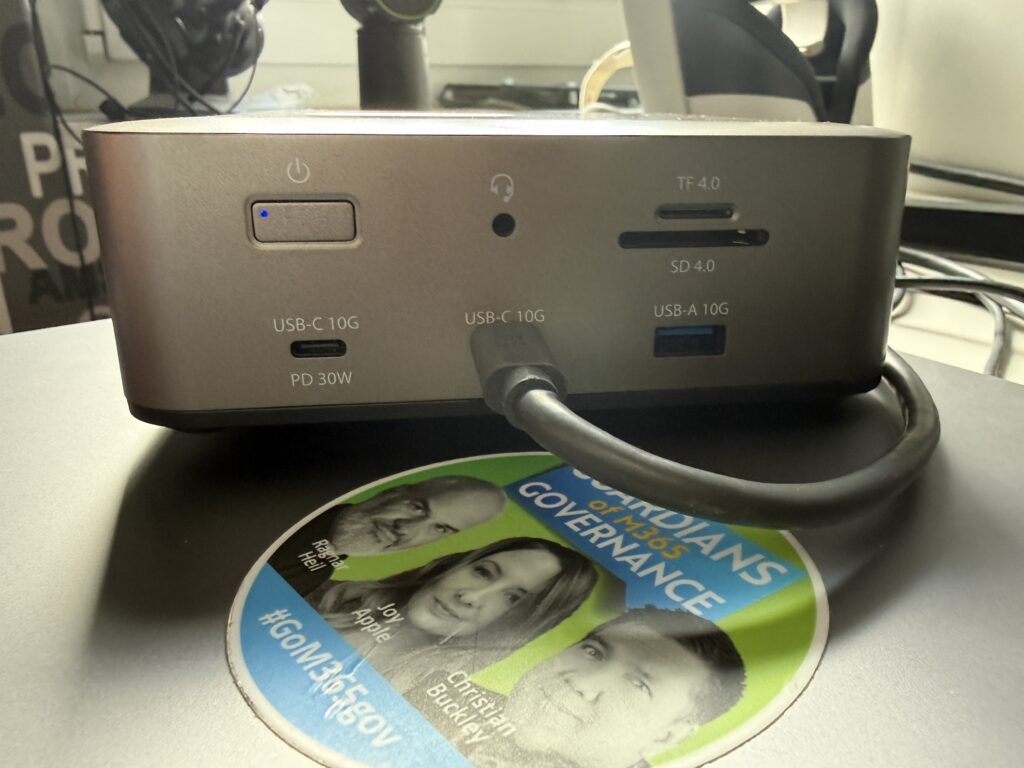
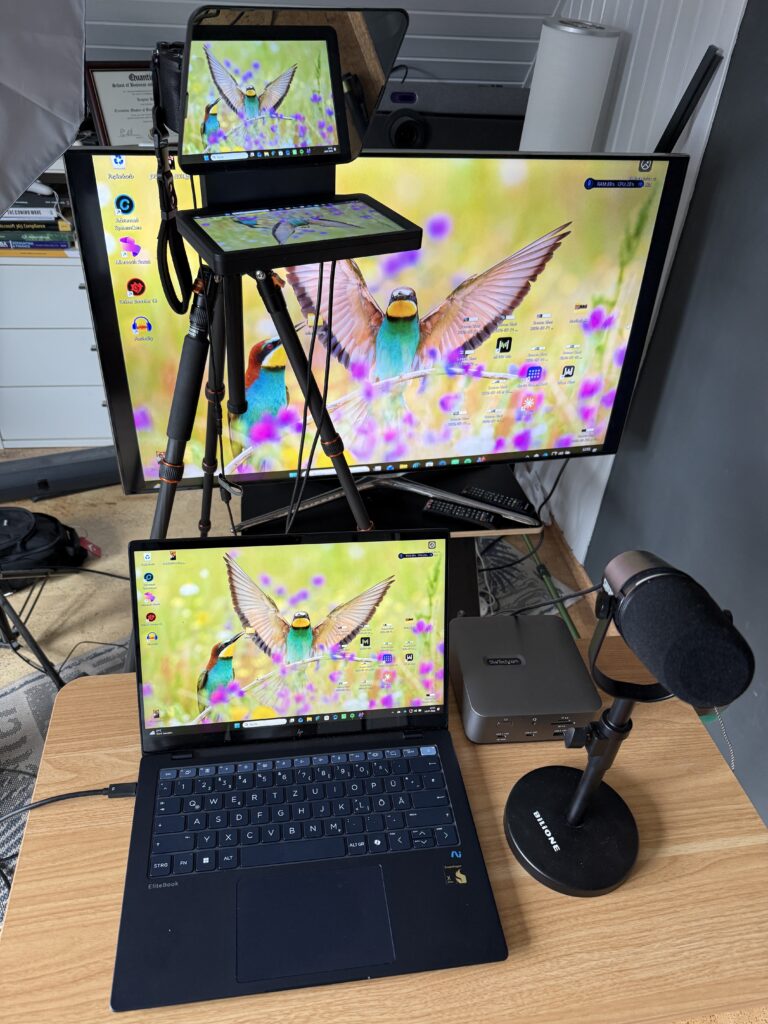
At Desk 2 sits my content-creator setup: a Sony Alpha 7 IV, an external Shure microphone, an Elgato teleprompter, and a large monitor. Here the dock shows a strength I particularly appreciate: the built-in SD and microSD 4.0 card slots. Pulling photos straight from the camera card without a separate card reader saves real time in the editing workflow.
Another detail I like: the power button. When I wrap up for the day, I switch the docking station off completely. No standby power draw overnight. A small feature with a real impact on power savings.
Both MacBooks — a 2024 MacBook Air and a 2023 MacBook Pro — recognize the dock driverlessly under macOS. Windows 11 runs just as smoothly without any extra driver installation.
More Strengths in Daily Use
- 140W Power Delivery: An 180W power adapter charges even demanding laptops like a MacBook Pro while simultaneously powering all downstream ports.
- 30W USB-C auxiliary port: Charges a smartphone or tablet without draining the host computer’s battery.
- Dual security slots: A K-Slot and a Nano lock slot protect the dock from theft in open office environments.
- 3-year warranty: A trust signal that isn’t a given with docking stations.
Where StarTech Still Falls Short
Let’s be honest, no product is perfect:
- The housing is plastic, not metal — it feels less premium than some competitors.
- Thunderbolt 3 isn’t supported. Older laptops with a pure TB3 port are left out.
- On MacBooks, the HDMI port maxes out at 4K 60Hz — an Apple limitation, not the dock’s fault.
- With M1 through M3 standard chips, Apple only supports one additional display, regardless of which dock you use.
- The price sits at the upper end of the market — Thunderbolt 5 technology comes at a cost.
Who Should Buy This Dock
If you, like me, switch between Windows and Mac devices, need multiple screens, and have zero tolerance for dropped connections, the StarTech Thunderbolt 5 docking station is the more stable choice over USB4 or TB4 alternatives. For simple single-monitor setups with light peripheral use, a more affordable dock like the one from Articona will do the job just fine.
Want to try the StarTech Thunderbolt 5 docking station yourself? Visit our Bechtle shop and get the 215N-TB5USB4DOCK model.
FAQ
Does the StarTech dock work with older MacBooks? Yes, as long as the Mac has a Thunderbolt 3, Thunderbolt 4, or USB4 port. Pure TB3-only hosts, however, aren’t supported.
How many monitors does the docking station support? Up to three 4K displays at 144Hz on Windows, or dual 8K at 60Hz. On Mac, the number depends on the Apple chip.
What’s the difference between Thunderbolt 5 and USB4 docks? Thunderbolt 5 offers significantly more bandwidth headroom with its 120Gbps Bandwidth Boost, which prevents dropouts and flickering when several peripherals are active at once.
Is this dock worth it for content creators? Yes, especially thanks to the built-in SD and microSD 4.0 card slots for direct photo and video import from the camera. </content>
<social_promo> <linkedin_post>My dock left me staring at a glitching webcam mid-Teams-call. Twice.
Since then I’ve tested several docking stations — including one from Articona, genuinely well made. But without Thunderbolt 5, every dock hits a bandwidth wall once monitor, webcam, mic, and card reader all run at the same time.
The StarTech 215N-TB5USB4DOCK fixes exactly that: 120Gbps Bandwidth Boost, 140W charging, 2.5GbE, SD/microSD 4.0 card slots, and a real power-off switch for savings.
I run it across two desks: a business setup with a Windows 11 Copilot+ PC and dual monitors, and my content-creator desk with a Sony Alpha 7 IV and Elgato teleprompter. Both MacBooks connect driverlessly.
Weaknesses exist too: plastic housing, no TB3 support, premium price.
If you switch between Windows and Mac and have zero tolerance for dropouts, Thunderbolt 5 is the way to go.
Visit our Bechtle Shop and get your StarTech Thunderbolt 5 powered AI Docking Station with DisplayPort and HDMI ports (next to 1 x 3.5 mm audio female, 1 x RJ45, 1 x USB 3.1 Type-A, 2 x Thunderbolt 5, 2 x USB 3.0 Type-A, 2 x USB 3.1 Type-C, Memory card reader: microSD, SD, Kensington standard slot, Kensington nano slot. That’s a lot, isn’ it?