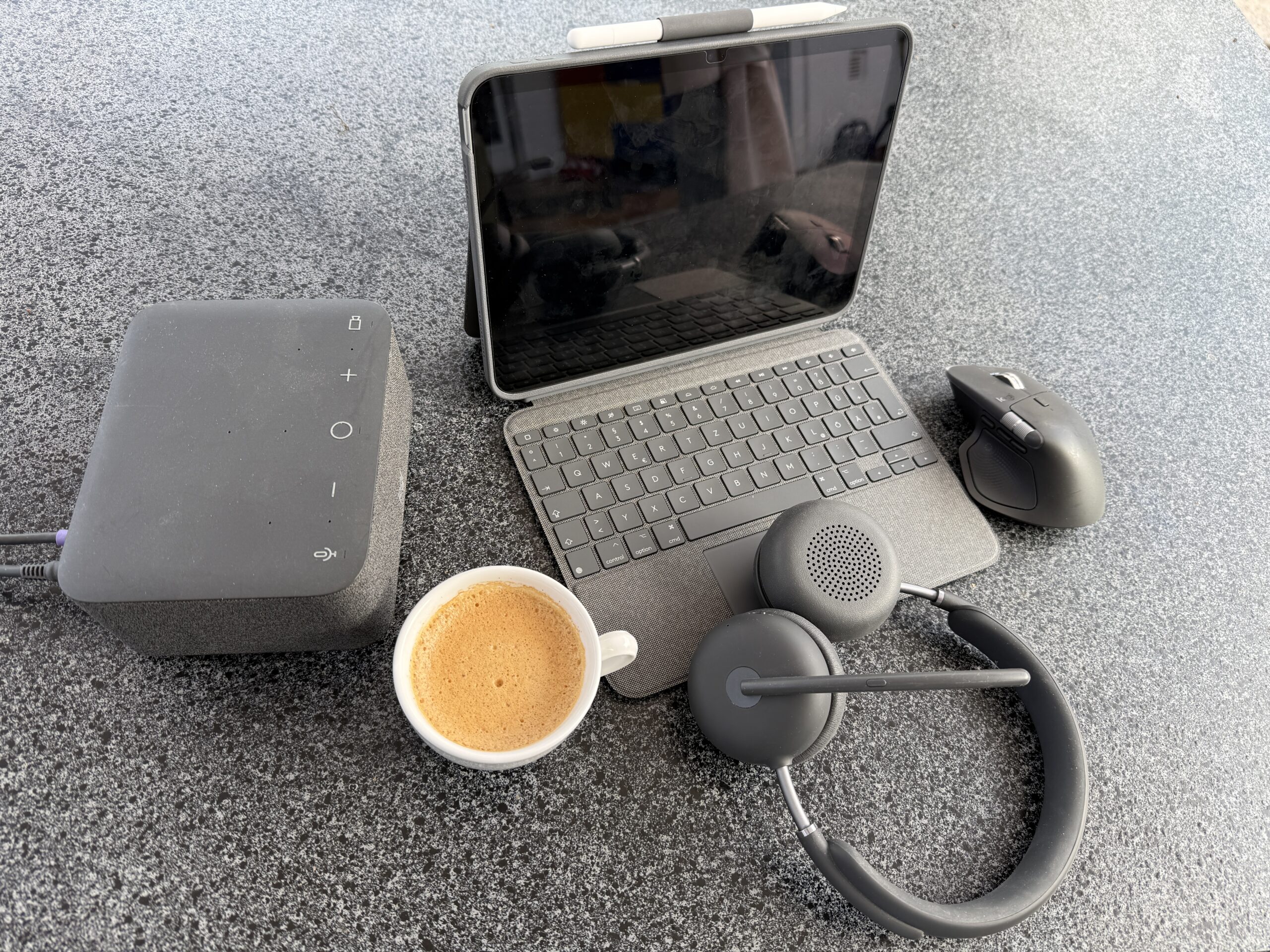
Samsung Galaxy Tablet, MacBook & my new Parliament Apple iPad: My new Hybrid Work Setup
I hadn’t touched an iPad in years. I gave mine to my daughter a while back and worked off my Samsung Galaxy S8 Ultra tablet every single day since — still do, it’s high quality and rock solid reliable. Then I became a Parliament member here in Felsberg in our elections March 15st 2026, and got handed an iPad.
That’s how this whole setup started. Not a tech upgrade I planned. A device that ended up earning its own spot next to a tablet I already trusted.
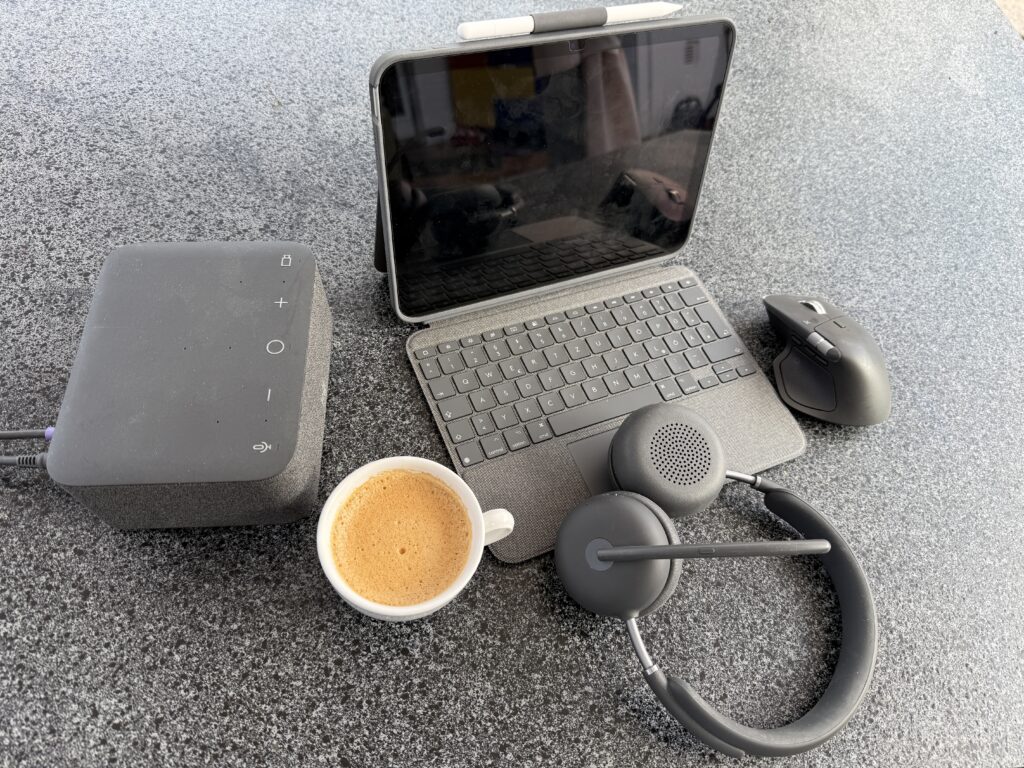
The Problem I Didn’t Know I Had
A tablet alone is fast, but still a screen looking for a keyboard. A laptop solves that, but it’s one rigid block — screen and keyboard welded at a fixed angle. Sketching, signing, reading on the sofa: the shape fights you every time.
I hadn’t noticed how much I’d adapted to that. Until I clicked the parliament iPad into a Logitech Combo Touch case and the keyboard just lit up — no cables, no Bluetooth pairing, just a magnetic snap via Apple’s Smart Connector.
The One Simple Principle
Decouple the screen from the input method, and the workspace adapts to you — not the other way round.
The kickstand tilts from a shallow 10° to a steep 60°, giving me four modes: typing, viewing, sketching, reading. Same device, zero switching. And in a 41°C heatwave, the case stayed comfortable to hold — thicker than the cheap plastic shells out there, but it earns that bulk with a genuinely premium, stylish feel.
What Samsung Still Can’t Do – obviously
My Samsung tablet is the more reliable workhorse day to day. But three things keep the iPad in my bag too: copy-paste between iPhone, iPad and MacBook with zero setup, extending my MacBook screen onto the iPad in seconds (haven’t touched my mobile extended screen since months), and AirDrop that just works, every time. Samsung wins on price, Gemini and my Samsung TV integration, Apple wins on ecosystem glue.
Strengths and Weaknesses at a Glance
Beyond my own experience, this matches what most long-term reviewers report:
What works well:
- All-round case protection, rated for drops up to 4 m
- Near-laptop typing feel with quiet, low-travel keys and adjustable backlighting
- A dedicated iPadOS function row (brightness, Siri, screenshot, media keys)
- No battery, no Bluetooth pairing — power and data run through the Smart Connector
- Roughly half the price of Apple’s own Magic Keyboard
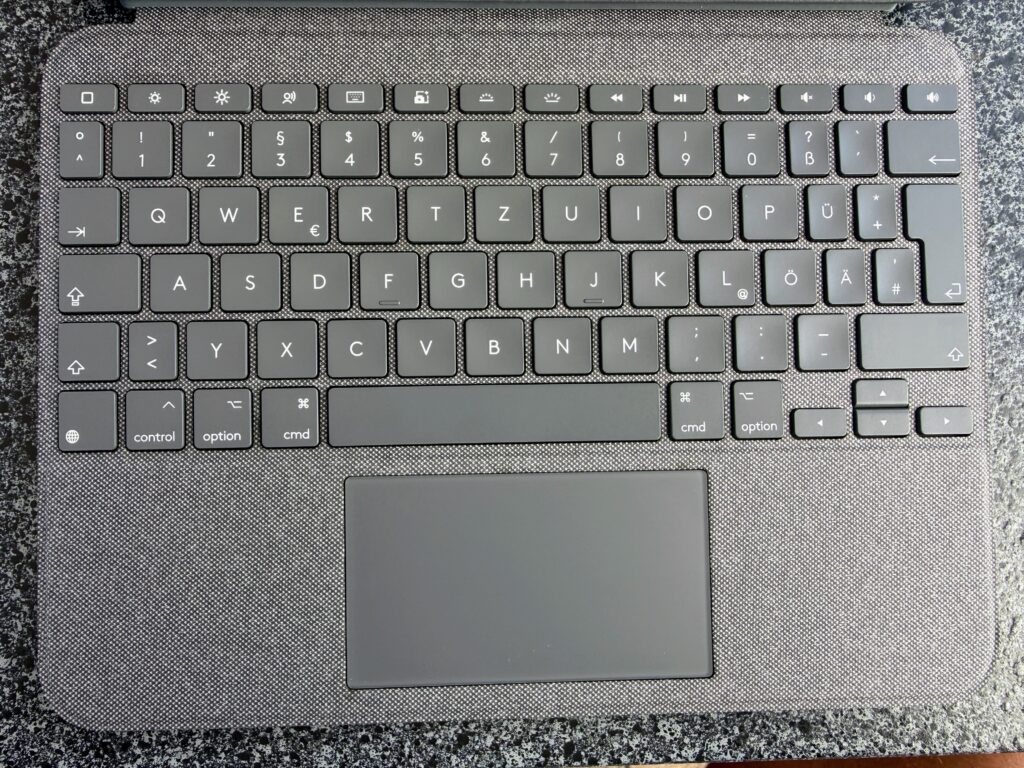
Where it falls short:
- Case and keyboard together add real weight — close to double the bare iPad
- The case fits very tightly; some report faint screen discoloration under pressure – not an issue for me.
- Trackpad clicks occasionally lag by a second or two
- The kickstand wobbles slightly on soft or slippery surfaces
- Locked to specific iPad models — no Bluetooth fallback, no multi-device use
- If I want to use the iPad to read or watch movie, then I need to take off the keyboard, Samsung’s original keyboard at Galaxy Tablet could be placed easier in the back.
Sounding Clear on Both Ends: Logitech Zone Wireless 2 ES
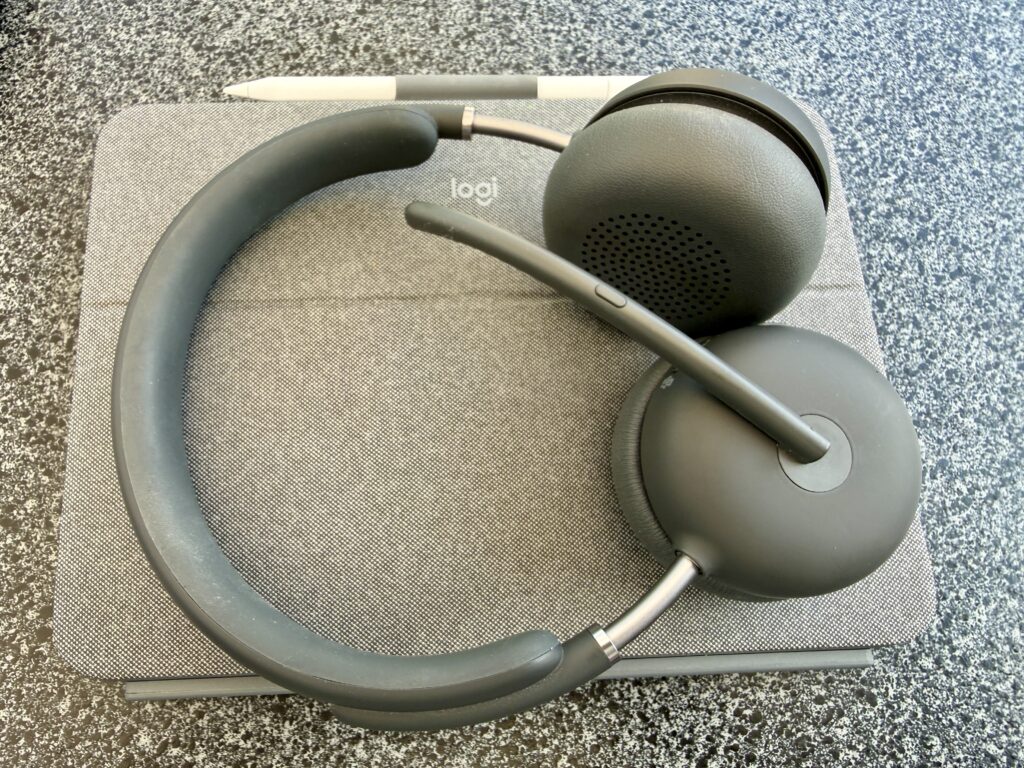
None of this matters if people can’t hear me. Unlike a standard noise-cancelling headset, the Zone Wireless 2 ES cleans up audio on both sides of the call — my voice stays clear from a noisy station, and it filters the other person’s background noise too. Not the lightest headset, and battery drops fast with every AI feature enabled — but it’s earned its spot for daily Microsoft Teams and Zoom calls. Zone Wireless 2 ES is one of the most comfortable Headsets I am owning, just a pleasure to wear.
Do you want to hear a short microphone sample, here you are!
My Verdict
On my garden table today: iPad and Combo Touch for ecosystem convenience, Zone Wireless 2 for calls and listening to music when my neighbors start mowing the lawn – or should not hear my conversation. In my garden I use my Logitech Logi Dock Docking Station a lot but not so much in my home office upstair where I use docking stations with Ethernet ports.
Not a setup I chose from a catalogue — one a parliament seat handed me, that earned its place anyway.
Weighing up a similar switch? Drop me a message — happy to compare notes.
Get your Logitech Touch Combo in our Bechtle Shop.



I really connected with your experience of blending devices for a hybrid work setup! I recently switched to using a tablet alongside my laptop, and it’s been revolutionary for my productivity. Balancing those two feels like having the best of both worlds. Your mention of the Apple iPad is particularly intriguing; it’s fascinating how technology can adapt to our changing work environments. Thanks for sharing your insights! Also, if you’re into games that push creativity, check out space waves—it might spark some inspiration!